Radiologists
Read, dictate, and sign from one worklist
Start with the studies assigned to you, open the images beside the report, and dictate your findings. HealAI helps prepare a structured draft while you retain control of the interpretation and sign-off.
Request a demo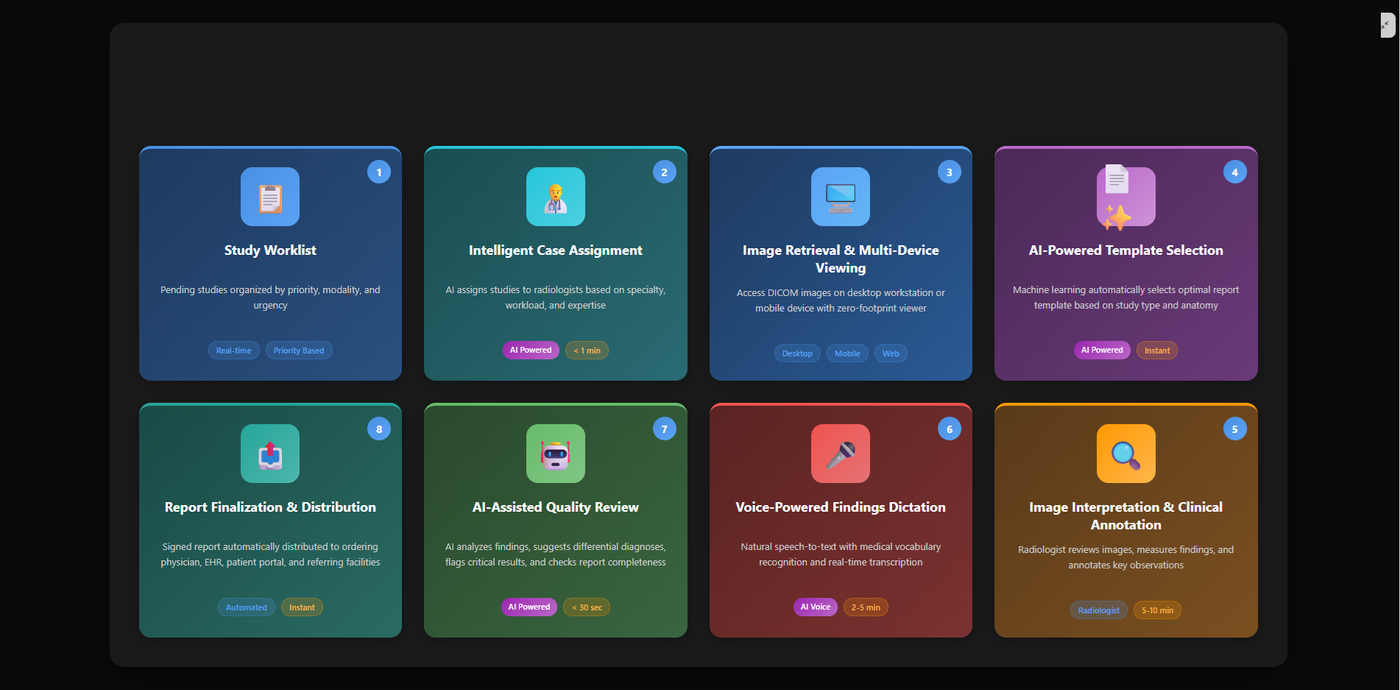
How it works
- 1
Open the worklist
Choose the next assigned study and review the available context.
- 2
Review and dictate
Read the images, then use dictation to prepare the draft.
- 3
Verify and sign
Review the clinical content before signing and releasing the report.
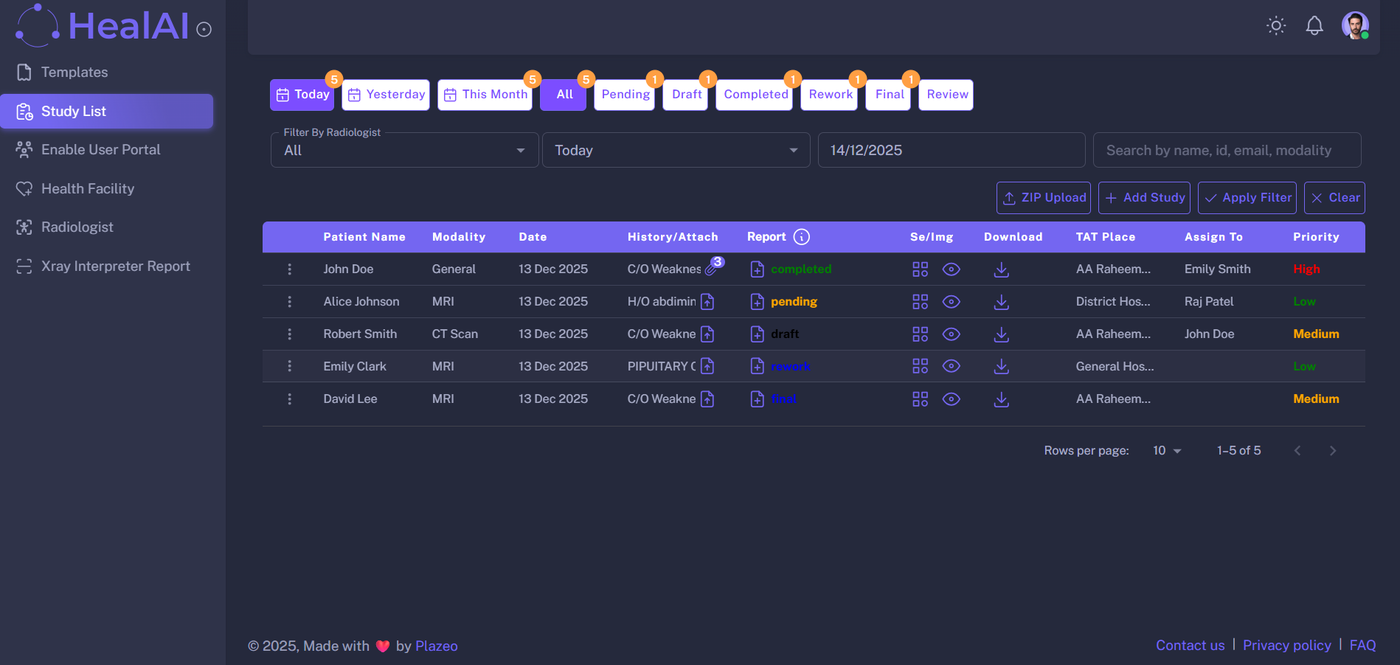
Start with the study that needs your attention
See assignments, priorities, and report status in your worklist. Open a study directly to review the images and begin reporting.
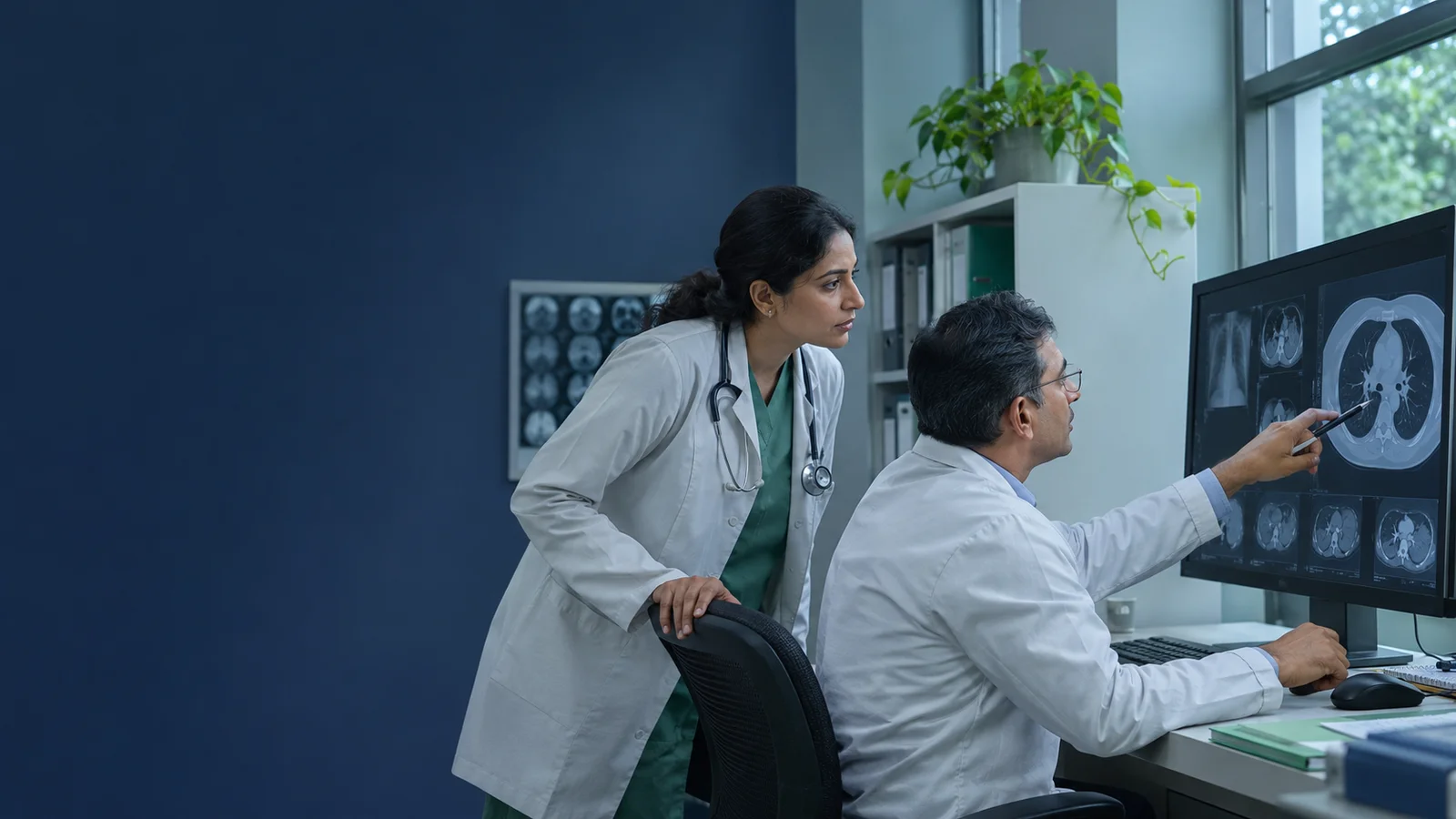
Keep your place while reading complex studies
Review studies across modalities and keep the report in the same workspace. Use the tools and templates appropriate to the study you’re reading.
Review the draft before the report goes out
Dictate your findings and use a template matched to the modality and anatomy. Edit the draft and send it through human quality review where your workflow calls for it. The radiologist signs the report.
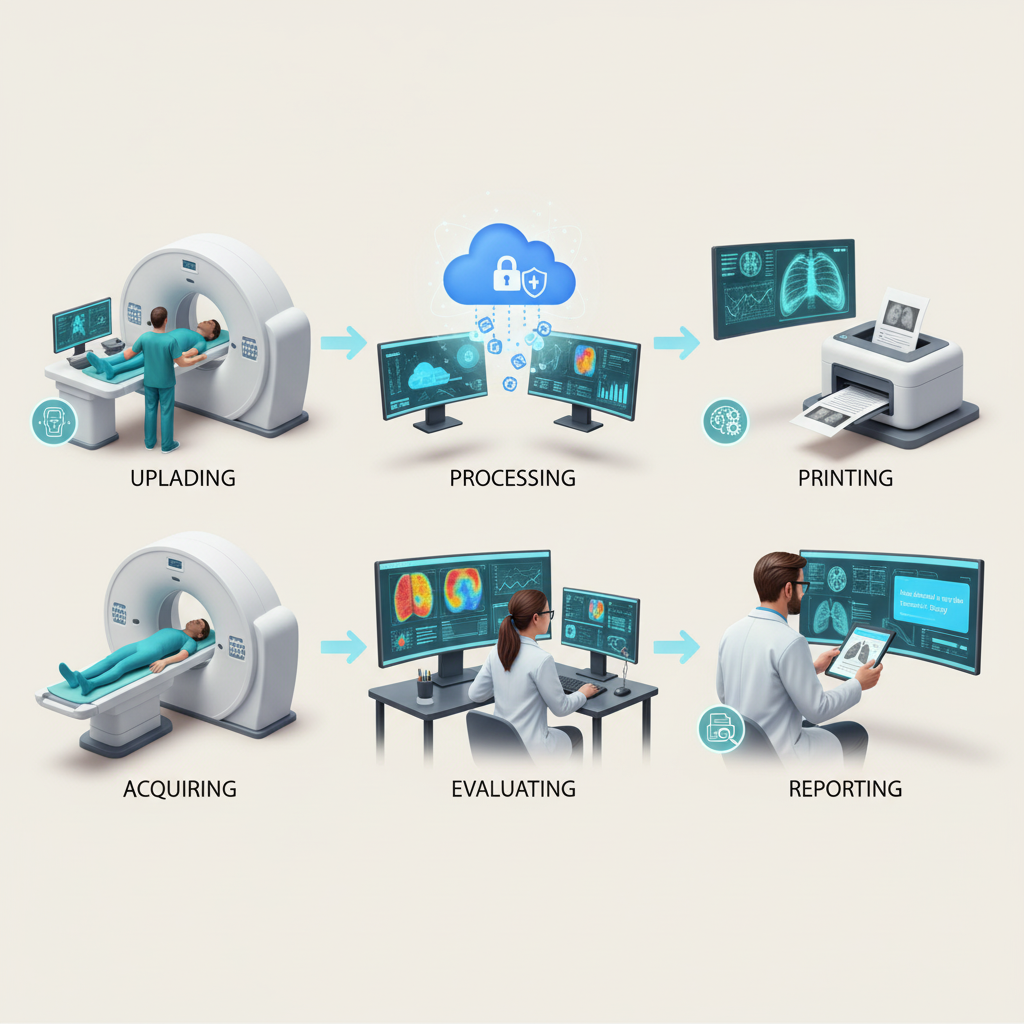
- Dictate your findings
- Check the structured draft
- Review, sign, and deliver
In practice
Follow one case from assignment to sign-off
A reader working away from the facility opens an assigned study and prepares the report.
Choose the next case
Look at study priority, assignment, and status before opening the viewer.
Dictate while reviewing
Speak your findings while the images are open. Check the transcript and organize the report with an exam-specific template.
Review and sign
Confirm that the draft reflects your interpretation. Resolve human review feedback when required before signing.
Questions to bring to a demo
Who decides what goes into the final report?
The radiologist reviews and signs it. The dictation transcript and structured draft are editable.
Can we try this against our own style of reporting?
Bring a de-identified example and a template you use so you can judge the draft against your normal process.
Tell us how your team works
Share where studies come from, who reads them, and how reports reach the care team. We’ll use that context for your demo.
help@healai.care