Hospital Chains
Coordinate radiology across your hospital network
Bring studies from multiple branches into a consistent reporting workflow while keeping each facility’s access and responsibilities distinct.
Request a demo
How it works
- 1
Onboard each branch
Define how each location sends studies and receives reports.
- 2
Coordinate reading
Organize coverage across authorized sites and reading teams.
- 3
Return results by location
Send the signed reports back through the originating facility’s workflow.
Share reading capacity across branches
Assign studies from different locations to the radiologists authorized to read them. Readers can review images and prepare reports from a browser while each branch follows the progress of its studies.
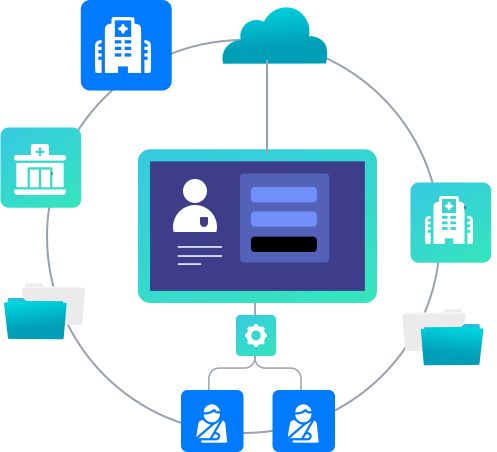
Use a consistent reporting process across sites
Teams can use the same modality and anatomy templates and define a human review step. Facility managers can monitor study flow and relay health without combining facility access.
- Connect each branch
- Assign the appropriate readers and roles
- Track reports through review and delivery
Start with one workflow and build from there
For a rollout discussion, bring the modalities, reading arrangements, and report delivery needs for each branch. Use the first site to test how the process fits your teams.
In practice
Pilot the workflow at one branch before expanding
A network prepares a shared reading service while accounting for differences between branches.
Select a representative branch
Choose a site with common modalities and a clear report handoff, then test the intake path.
Check role and facility boundaries
Use separate test users to confirm which studies and reports each role can access.
Apply lessons to the next site
Record the differences in equipment, report templates, and how clinicians receive results before connecting another branch.
Questions to bring to a demo
Does rollout require identical scanners at every branch?
Review each branch’s equipment and DICOM connection plan. Include cases from the modalities each site operates.
What operational data should managers ask to see?
Ask how the team can follow the volume of studies, relay status, and report progress across locations.
Tell us how your team works
Share where studies come from, who reads them, and how reports reach the care team. We’ll use that context for your demo.
help@healai.care