Patient Access
Help patients access their images and reports
Facilities and care teams can share studies and reports online so patients can bring them to a follow-up appointment or share them with another provider.
Request a demo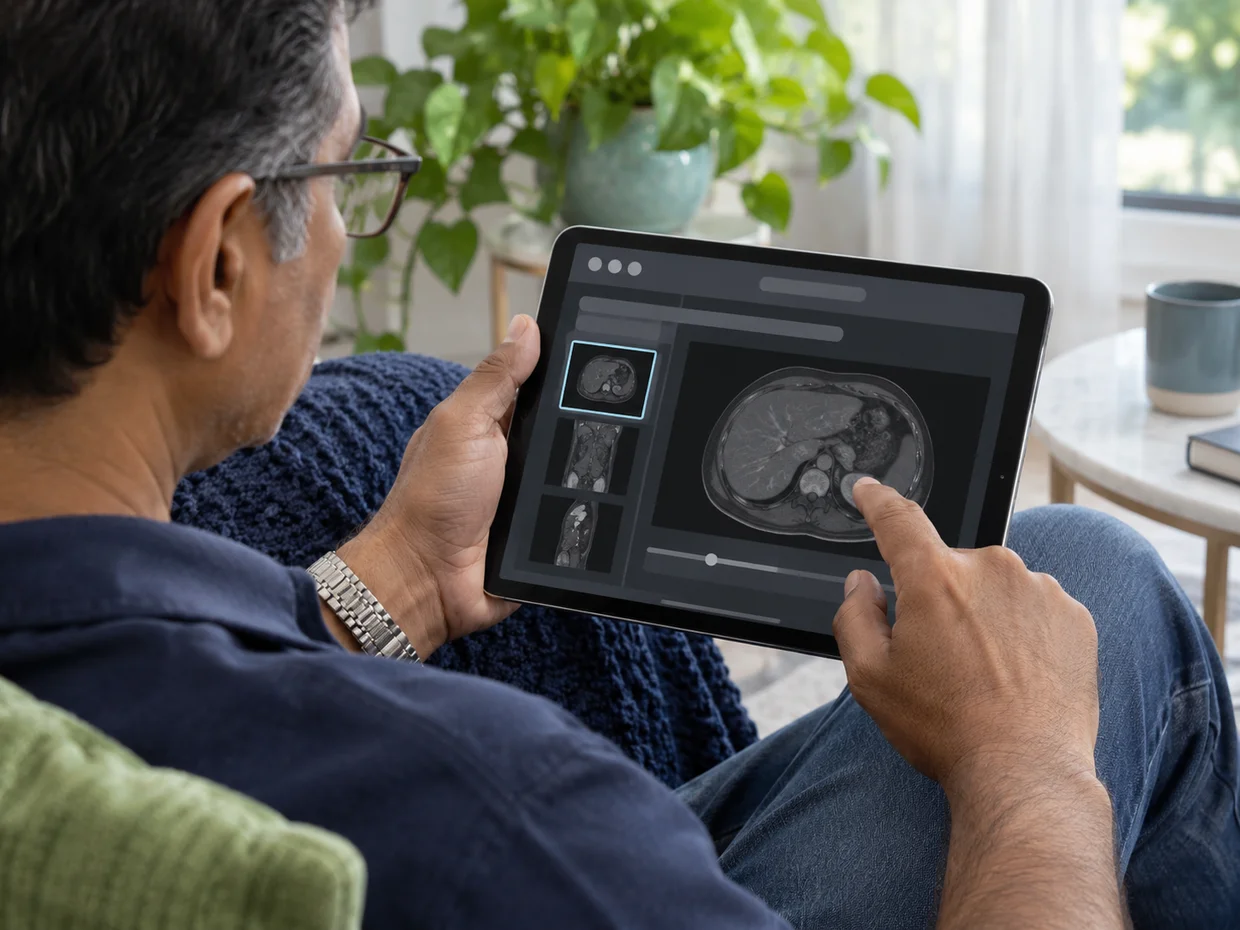
How it works
- 1
Get access from the facility
The care team provides access through its approved sharing workflow.
- 2
Open the shared study
Follow the facility’s access instructions to view available images and reports.
- 3
Bring it to follow-up
Review the results with your treating clinician.
Share DICOM images with patients and doctors
The facility can share images and the completed report with the patient and the care team. This helps patients bring the study to a follow-up visit.
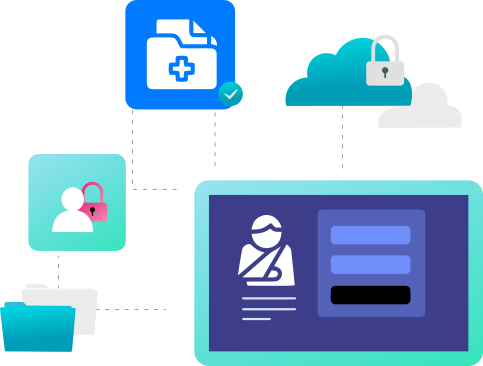
- Confirm the intended recipient
- Send the study and completed report
- Use the shared study at follow-up
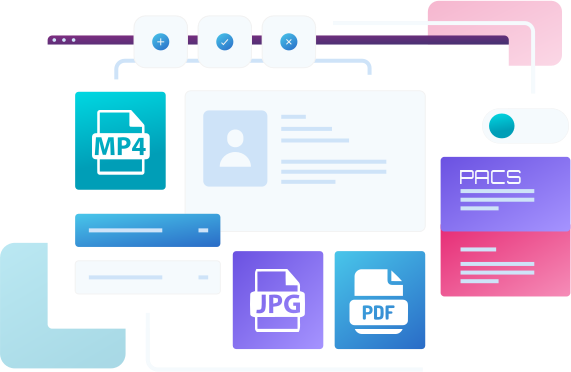
Keep imaging studies and reports together
Keep the images and completed report associated with the same study so the next care team can review both when they have access.
Know who can help with access
The imaging facility can confirm that it shared the study with the intended recipient and help with the process for opening it before a follow-up visit.
In practice
Bring the study to a follow-up visit
A care team shares images and the completed report so the patient can make them available to another provider.
Receive the study
Follow the access instructions provided by the imaging facility.
Keep the report with the images
Bring the report and the study details together when arranging follow-up.
Share with the treating team
The facility or receiving provider can explain how to share the study through its approved process.
Questions to bring to a demo
Who should I ask if the study isn’t visible?
Start with the facility that performed the exam. It can confirm what was shared and how to access it.
Where should questions about the findings go?
Discuss the signed report and next steps with the clinician caring for you.
Tell us how your team works
Share where studies come from, who reads them, and how reports reach the care team. We’ll use that context for your demo.
help@healai.care