Access by facility and role
Each site controls who can work with its studies and reports.
Get studies from the scanner to the radiologist and signed reports back to the care team. Radiologists can review images and dictate from one browser workspace.
Connect your existing DICOM imaging equipment. Your scan team keeps its usual workflow.
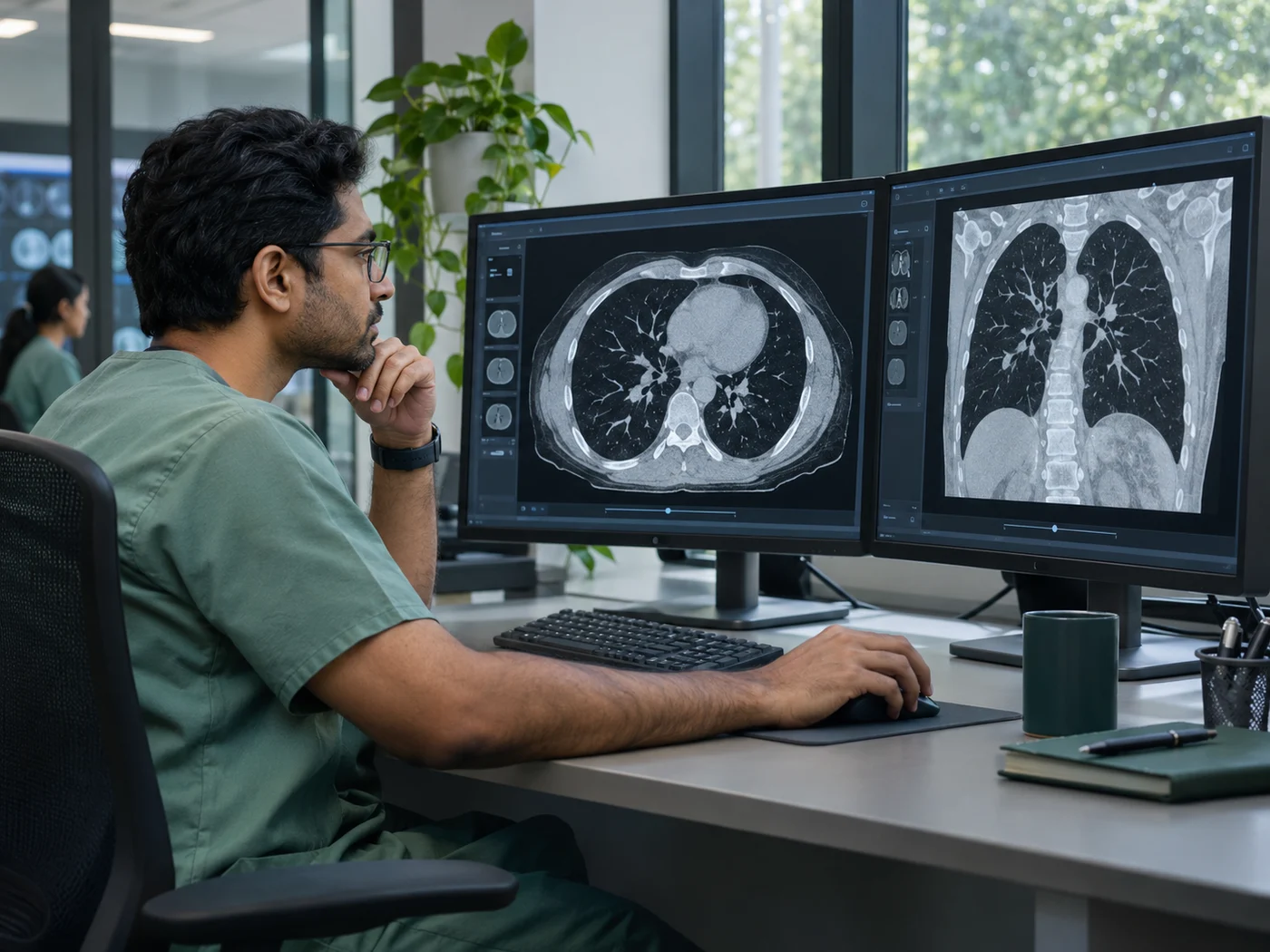
The technologist acquires the study as usual. The on-site relay sends it to Cloud PACS.
See how scanners connectThe radiologist opens the assigned study, reviews the images, and dictates findings. HealAI helps organize the draft.
Explore Doctor RISAfter review and sign-off, the finished report goes to the referring care team.
See the clinician handoffReview the study, speak your findings, and check the structured draft before signing. AI supports the dictation and drafting, and a person handles quality review.
“No focal consolidation or pleural effusion.”
Open the images directly from the worklist in the browser-based viewer.
Use the radiology terminology you use in the reading room. Check the transcript as you work.
Organize the report with a template matched to the modality and anatomy.
A human reviewer can flag items for clarification. The radiologist checks and signs the final report.
Keep the scan team moving and follow studies from intake to report delivery.
Arrange off-site reading and get signed reports back to referring teams.
Coordinate incoming studies, readers, and report delivery across facilities.
Read, dictate, and review reports from one browser worklist.
Receive the signed report and access the study when you need more detail.
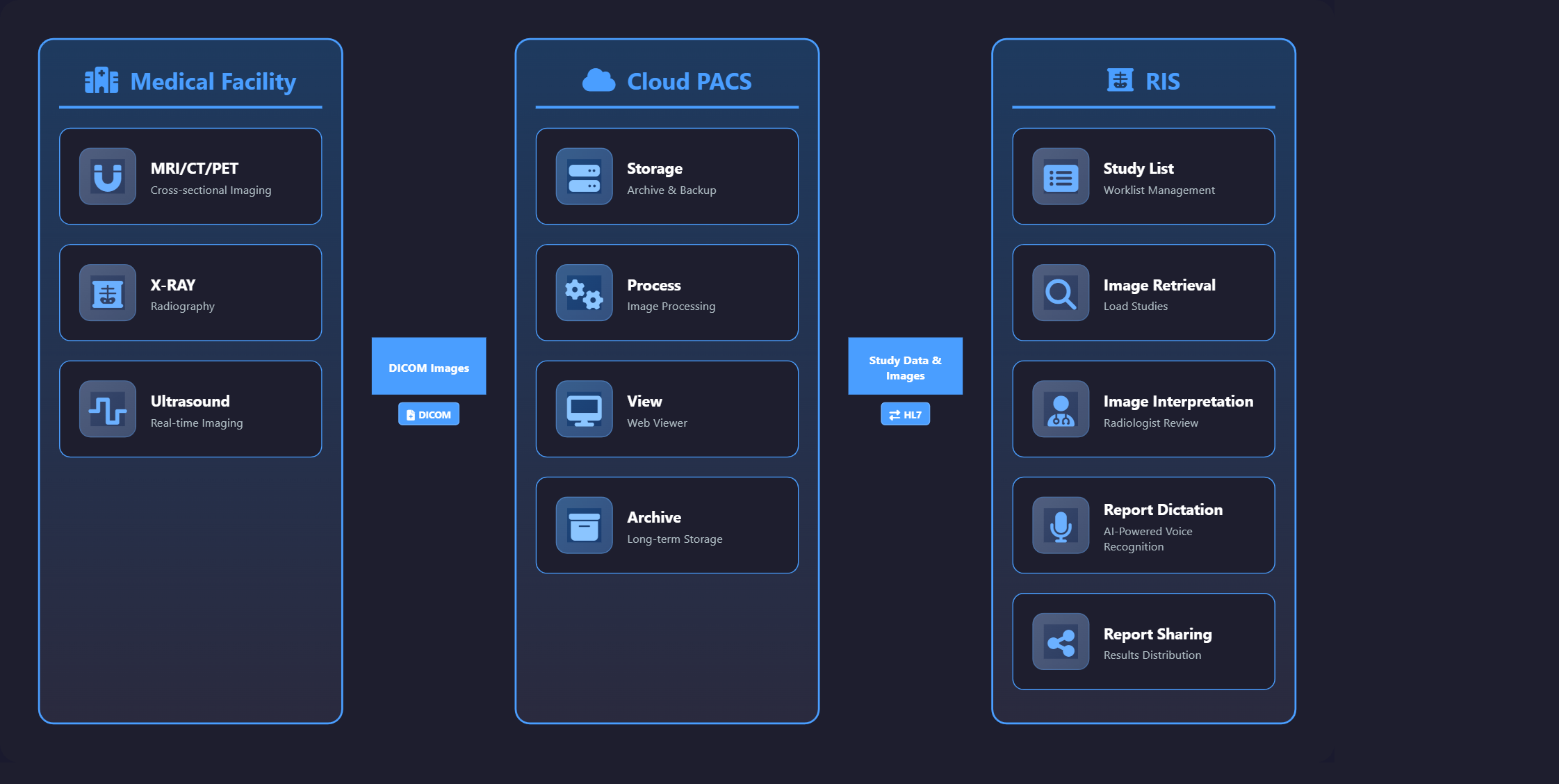
The relay sends studies from your existing scanners to Cloud PACS, making them available to authorized readers. If the internet drops, the relay queues studies and resumes sending when the connection returns.
See how the relay works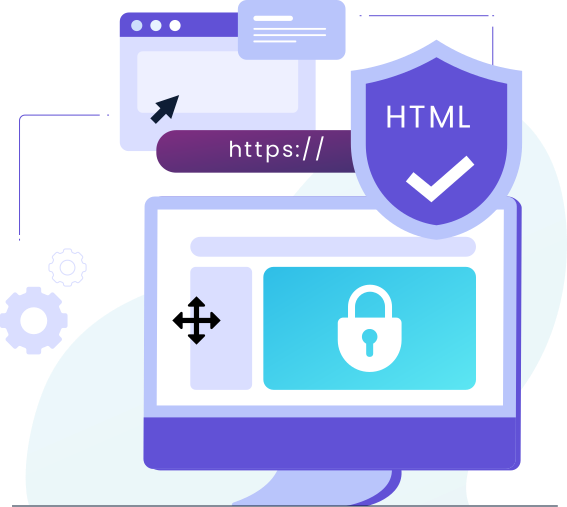
Open studies from your worklist, use the browser viewer, and dictate findings while the images are in front of you. The report stays with the study.
Explore Doctor RIS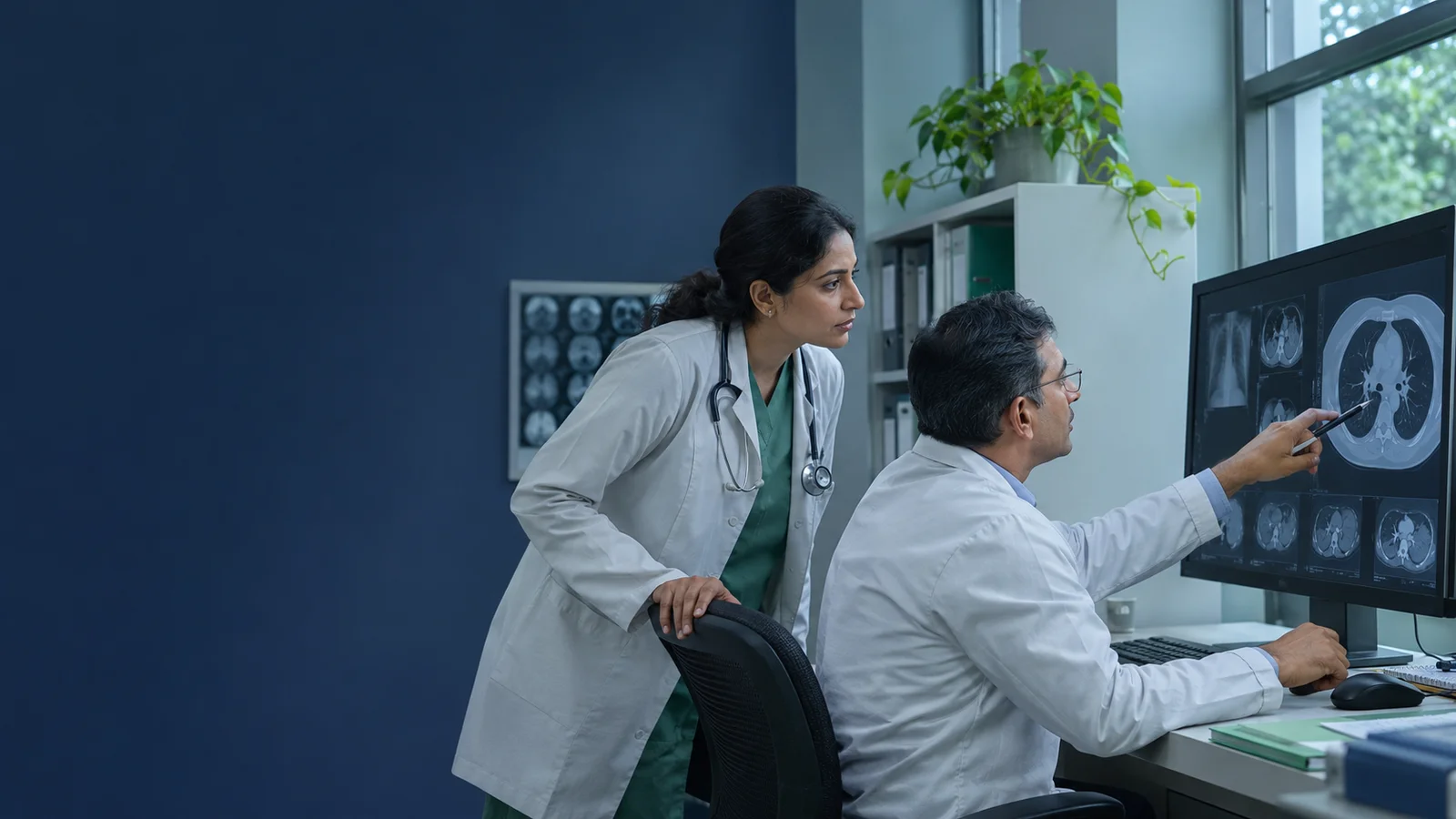
Once the radiologist signs, the referring team can receive the structured report and access the study when authorized. The findings and impression stay together for follow-up.
For referring cliniciansEach site controls who can work with its studies and reports.
Cloud PACS stores images in encrypted storage in Google Cloud’s Mumbai region.
Authorized teams can use audit logs to review activity when needed.
Tell us how studies arrive, who reads them, and how reports reach the treating team. We’ll show you how HealAI could fit your facilities.
help@healai.care